
Name-Based Obion County Case Searches
Figure out the level first. Is it a county trial case, a municipal citation, a state appeal, or a federal matter? For supported county records, open Tennessee Case Finder. The public page asks for an email address and password. It describes its coverage as Circuit and General Sessions-Civil. The search controls sit behind the login. So follow the system's actual prompts instead of guessing at fields. Type the full legal name and check the spelling twice. Then compare the court, the case style, the date, and the case type against what you expected. A shared name proves nothing. The public TCF wording does not cover Chancery, Probate, Juvenile, municipal, or General Sessions criminal records. Do not assume those are inside.
- Identify the likely court from existing papers.
- Sign in to the appropriate official system.
- Enter the name in the format the live form requests.
- Compare court, parties, case type, and filing date.
- Save the exact case number for the next search.
Obion’s Tennessee Case Finder Gate
TCF bills itself as the Public Inquiry System for Offices of the Circuit Court Clerk and promises convenient 24/7 access. What a visitor can see is a login with Email Address, Password, Login, password recovery, and account creation controls. No Obion county selector, result limit, export tool, document-image price, or logged-in query fields appear on the public side.
| Visible control | Type | Limit or use |
|---|---|---|
| Email Address | Text | Maximum 80 characters |
| Password | Password | Maximum 20 characters |
| Login | Button | Submits account access |
| Forgot Your Password | Link | Recovery route |
| Create account | Link | Registration route |
An account gate proves nothing about coverage. Match TCF's stated scope to your case before assuming every Obion County docket sits inside the system.
Obion County Case Number Searches
A docket number is assigned at filing. It ties every later entry together, a structure set out in Tennessee Rule 11's reporting framework. Keep every letter, dash, and zero intact. There is no public Obion trial search form or sample docket that reveals a local format. Never guess one. When you call a clerk, read the number exactly as written. Ask whether it belongs to Circuit, General Sessions, Chancery, Probate, Juvenile, or a municipal court. Public Case History uses appellate formats like E2008-02744-COA-R3-CV. That example belongs to appeals. It should never be applied to an Obion County trial number.
Best identifier: Keep the court name with the case number. The number alone may not identify the custodian.
Obion TCF Registration Fields
Creating a TCF account takes just a few details. The form asks for your name, mailing address, city, state, ZIP code, and email. You then set a password, confirm it, accept the terms, and create the account. Nothing on the form mentions Obion County, a case type, a date range, or payment, so signing up tells you nothing about how the docket search itself is laid out.
The official registration source shows the account fields a new user actually fills in.
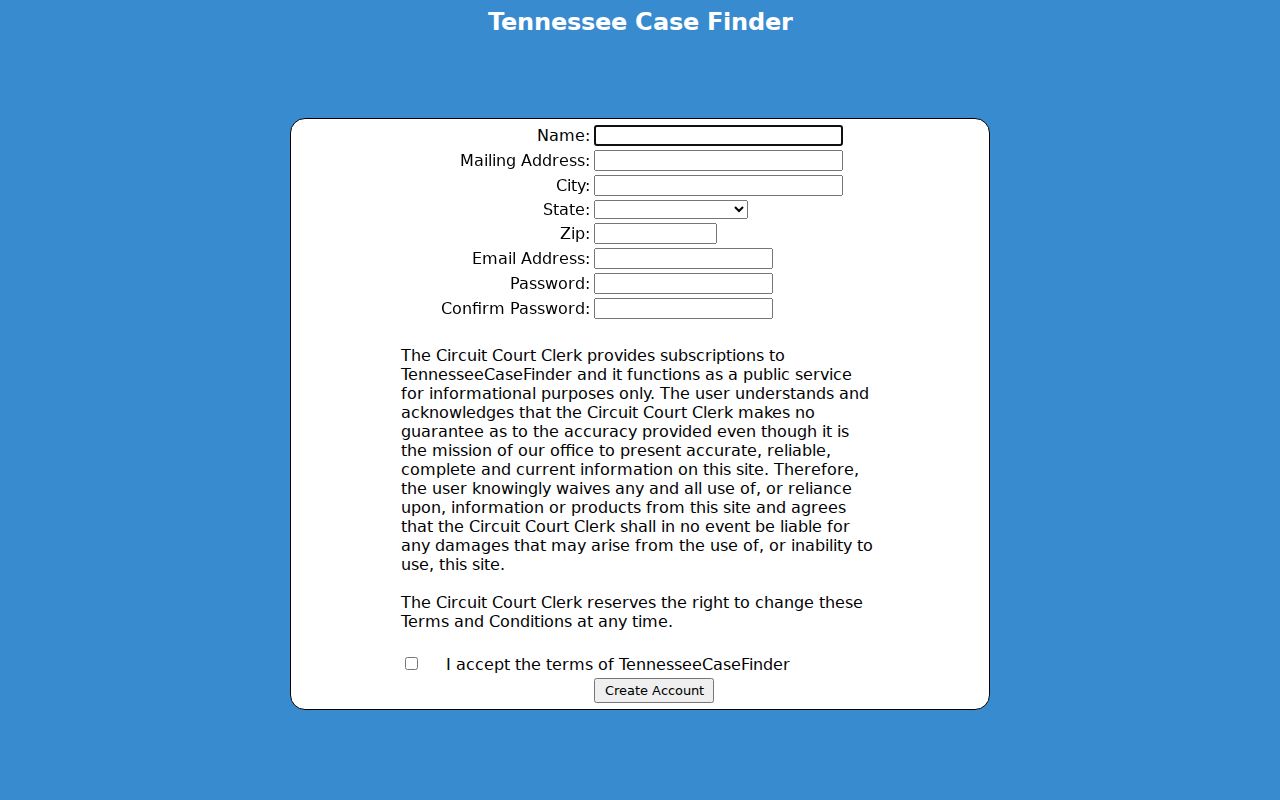
The signup record documents account creation, nothing more. It promises no free docket view and no document access.
Case Search Results Explained
Read any Obion County docket search result closely. A complete result should show the court, case number, filing date, case style, parties, type, status, judge, events, settings, and disposition. Financial entries may show up too. The exact TCF fields stay unknown until you are logged in, and a docket entry naming an order is not the order itself.
| Case header | Court, number, filing date, type, style, judge, and status. |
|---|---|
| Parties | Names and roles, subject to public-access limits. |
| Events | Filings, service, motions, settings, resets, orders, and disposition. |
| Documents | Links where available or titles to request from the clerk. |
| Financial data | Costs, fines, or balances when maintained and public. |
Always check the latest dated entry. A stale result can hide a new reset or a fresh order.
Obion Appeal Search Has Four Modes
Tennessee Public Case History serves the Supreme Court, the Court of Appeals, and the Court of Criminal Appeals. The form asks for a Search Term plus one of four modes: case number, case style, party name, or business or organization. Results can lead to procedural history and PDFs.
| Mode | Best input | Scope |
|---|---|---|
| Case Number | Exact appellate number | Appeal only |
| Case Style | Part of caption | Appeal only |
| Party Name | First or last name | Appeal only |
| Business/Organization | Organization name | Appeal only |
The official search page shows these modes.
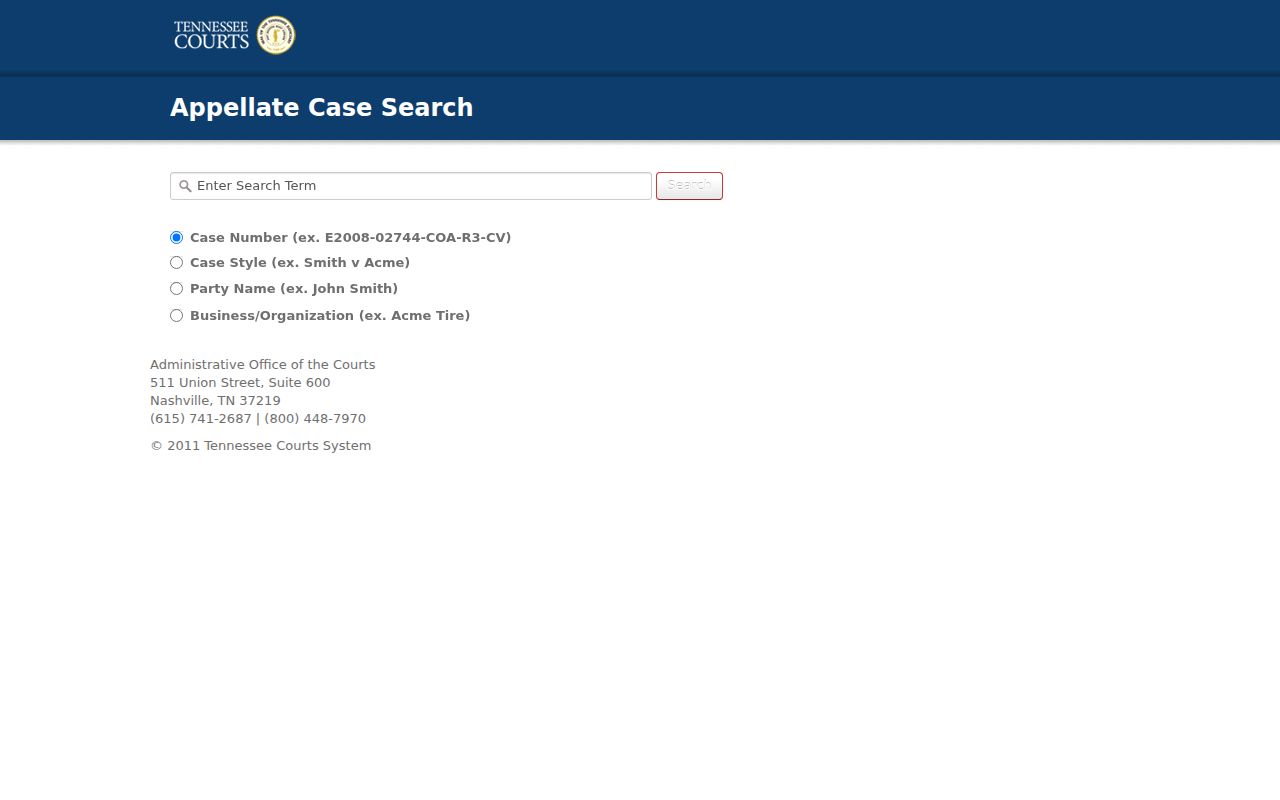
The appellate search is a separate layer, not an Obion trial docket.
Two Ways to Search: County and State
TCF is the route for supported Circuit Court Clerk records. Public Case History is the route for state appeals. It includes appeals with records filed after September 1, 2006, documents after August 26, 2013 are directly accessible, and some older legacy material is included as well. Its data runs current through the end of the prior business day.
| System | Coverage | Fallback |
|---|---|---|
| TCF | Circuit and General Sessions-Civil as stated | County clerk |
| Public Case History | State appellate courts | Appellate clerk |
| Direct clerk | Other local divisions and records | Inspection or written request |
Go to the originating court for the trial register. Turn to the appellate system only after an appeal exists. The U.S. District Court for the Western District of Tennessee lists the official federal court locations and links to PACER and CM/ECF.
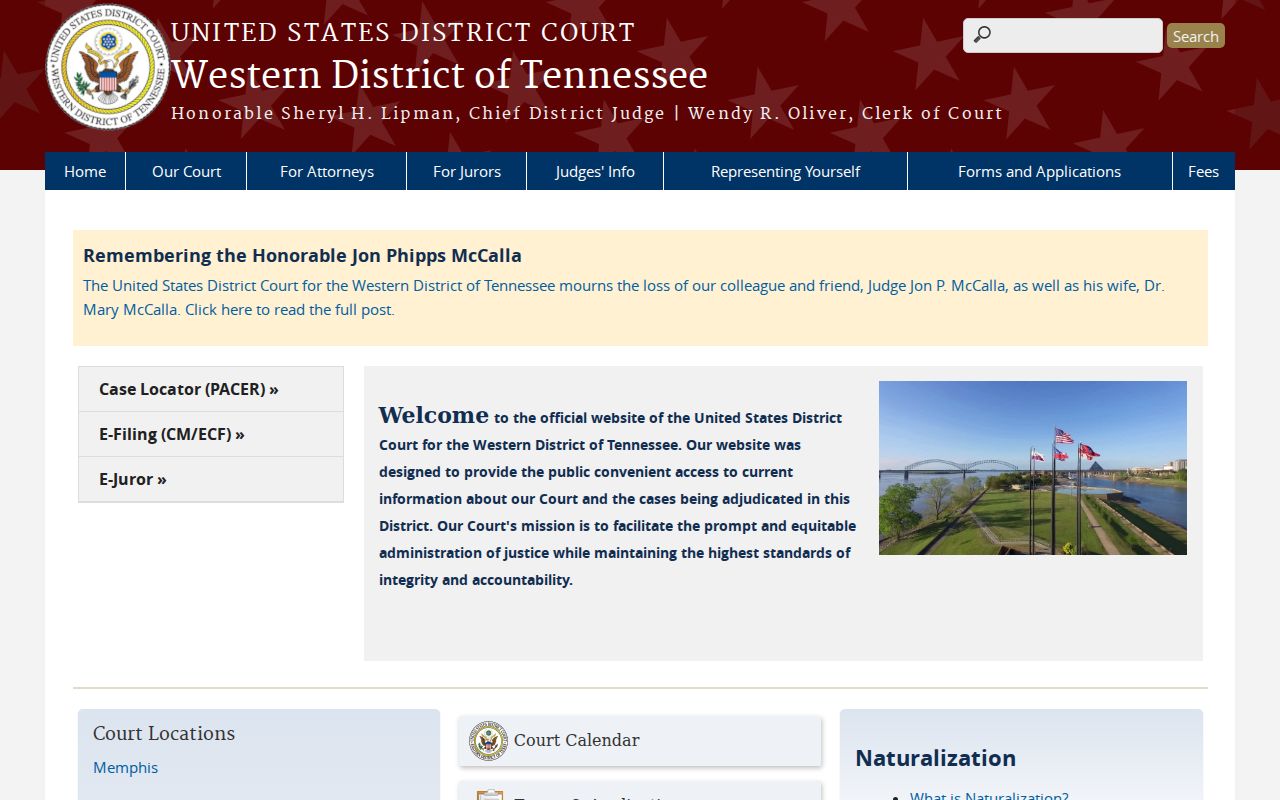
This federal route stands apart from both the Obion County trial search and Tennessee Public Case History.
Obion No-Result Decision Path
A missing result has many explanations. The name may be misspelled, the court wrong, the number format off, the file older, access restricted, or the case a juvenile, municipal, Chancery, or Probate matter, or a portal limit may be at work. None of that proves no record exists.
- Retry spelling and exact number punctuation.
- Confirm whether the record is trial, city, appellate, or federal.
- Call the responsible clerk and ask about system coverage.
- Ask whether public entries can be inspected at the counter.
- Submit a focused copy request for the register or named document.
Denise Taylor's counters handle Circuit, General Sessions, and Juvenile routes. Emily Hall's Clerk & Master office handles Chancery and Probate. City clerks hold the municipal matters. The Western District's official case-dockets page states that federal docket access requires a PACER login.
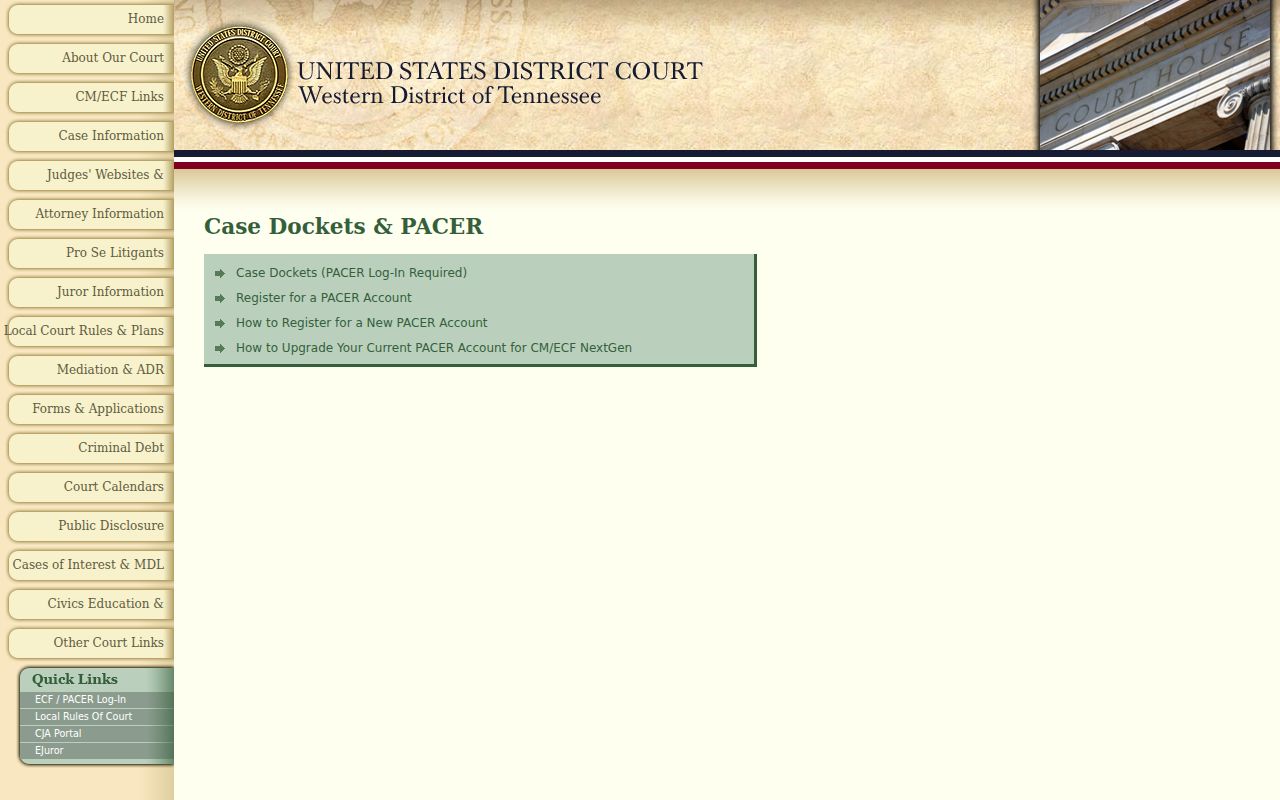
A blank result on an Obion County court docket search does not end the hunt. PACER helps only when the case is federal. Chasing it there for a county matter wastes time. Match the database to the court named in the papers, not just the Obion County address on the filing.
The numbered courthouse offices give you a simple decision tree. A Circuit result or a felony trial record points to 7 Bill Burnett Circle. General Sessions sits at 9 Bill Burnett Circle. Chancery and Probate share 6 Bill Burnett Circle. Juvenile occupies the lower level at 10 Bill Burnett Circle. One office checking its own register beats assuming a single portal indexes all four. So call the division that fits your case lookup.
City citations start with that city's own court clerk. If a matter moved up on appeal, take the new appellate number into Public Case History. That search covers state appeals, not local trial records.
Which Obion Cases Stay Restricted
Tennessee Supreme Court Rule 34 opens most court records to the public, but sealed, protected, confidential, and internal judicial records stay off limits. Juvenile files carry extra restrictions of their own. When one record mixes public and nonpublic material, county policy calls for redacting the protected parts before release.
Access is record-specific. Ask the clerk whether a public docket exists, which fields are redacted, and what authority governs any restriction.
Some cases and documents stay under seal in the court docket. Only a party entitled to see them, or someone with a court order, gets access. The clerk's staff can walk you through the procedure. What they cannot do is give legal advice.
The Western District CM/ECF system is the official federal filing environment, and it posts its own notice about restricted filings and the NextGen transition.
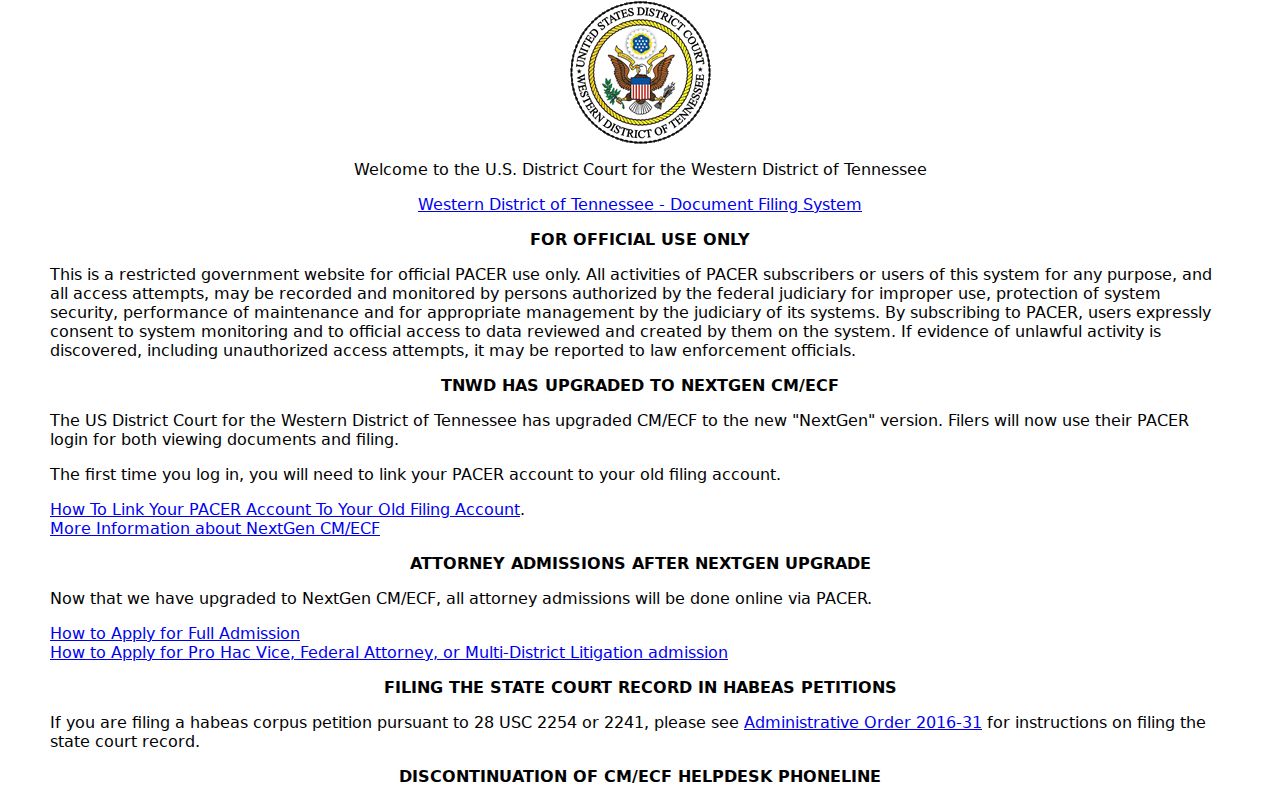
Treat CM/ECF as a federal filing system, plain and simple. It is not a back door into restricted Obion County court records.
Obion Records Form Search Fallback
If online lookup fails, the Obion County public-records form is the fallback. It asks which office holds the record, your details, a Tennessee citizenship response, whether you want inspection or copies, your estimate preference, delivery method, a description of the record, your signature, and the date. Describe the court, the case number, the date range, the event types, and the documents you want.
Inspection costs nothing. Copies run $0.50 per page, and certified copies are $5 under county policy. Mail delivery can add postage. You may need to prepay or set an appointment, and any record dated before 1960 requires one. A tight, specific request helps the clerk find the right file and give you a fair estimate.
Note: County policy does not automatically control a city's separate municipal records.
Phone and counter searches still matter for Chancery, Probate, Juvenile, and municipal cases. TCF does not claim to cover them. Ask the clerk to confirm spelling, filing year, and division. Ask whether a case number changed after a transfer or appeal. Ask only for the public date range and the documents you truly need.
For mail requests, confirm the current postal address first. Each office uses its own address or box. Include your contact details so the clerk can reach you with questions or a cost estimate. Never mail original court papers. A copy of the caption page helps identify the file. Leave out confidential data unless it is required.
Obion Search Notes Worth Saving
Save the official URL, the court name, the exact query spelling, the case number, and the date you checked. New filings can change online results overnight. Notes like these make a later call to the clerk precise, and they help separate two people with similar names. Remember, though, they are research notes, not certified proof. When you need proof, order the filed record.